1. Click on the FREE Tickets link to take you to the event order page. Then click on Get Tickets.2. In the pop up window, click on Add.
3. Use the + and - to adjust your ticket quantity. The click on Proceed to Checkout.
4. Enter your full name and email address. Then click on Continue.
5. Fill out your information for ticket #1.
6. If you are getting additional tickets, fill out their information. Then, click on Continue.
7. On the Complete your Reservation screen, enter your name and check the I Agree box. The other information is optional. Click on Complete Order.
8. From the Your Reservation was Successful screen, click on View Tickets.
9. From here, you can print your ticket to take to the reunion for expedited check-in.
10. Or check your email. The barcode can be used to check-in with your cell phone at the event.
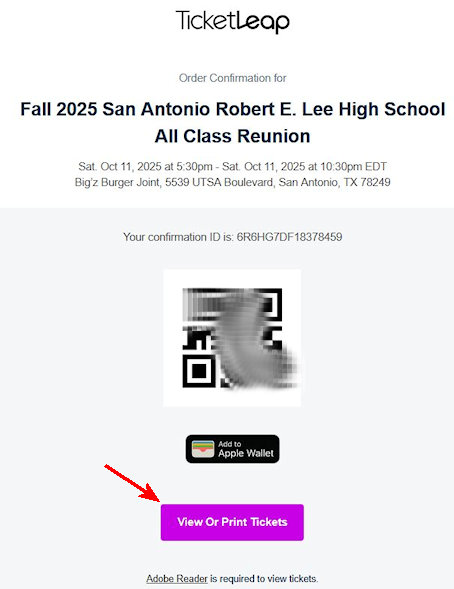
11. Be sure to have you ticket with you when you arrive at the reunion.